
Your child is asking for screen time, and you are looking for online activities that don’t require you to monitor every click. The classic reflex is to type a popular game title into a search engine and let it be. The problem is that major online gaming platforms still have concrete shortcomings in terms of protecting minors, even those that display security commitments.
Online Gaming Safety for Children: What the eSafety Report Reveals
In October 2026, the Australian authority eSafety Commissioner published the report Playing it safe, after examining Roblox, Fortnite, Minecraft, and Steam over a six-month period. The conclusion is straightforward: gaps persist in preventing grooming and violent content, including on platforms frequented by millions of young players.
One point that comes up often is user age declaration. Many services simply ask the child to provide their date of birth. This mechanism can be bypassed in seconds. Self-declared age does not constitute a real barrier to accessing adult-restricted content or interactions.
On the French legislative side, no law mandates specific age verification for online games. The European Digital Services Act (DSA), through its Article 28, requires platforms accessible to minors to take proportionate measures to protect their privacy and safety. The specifics remain at the discretion of each service.
Providing your child on Excargot with age-appropriate resources remains a complementary parental approach to any technical measures.
Concrete Criteria for Choosing an Age-Appropriate Game for Your Child
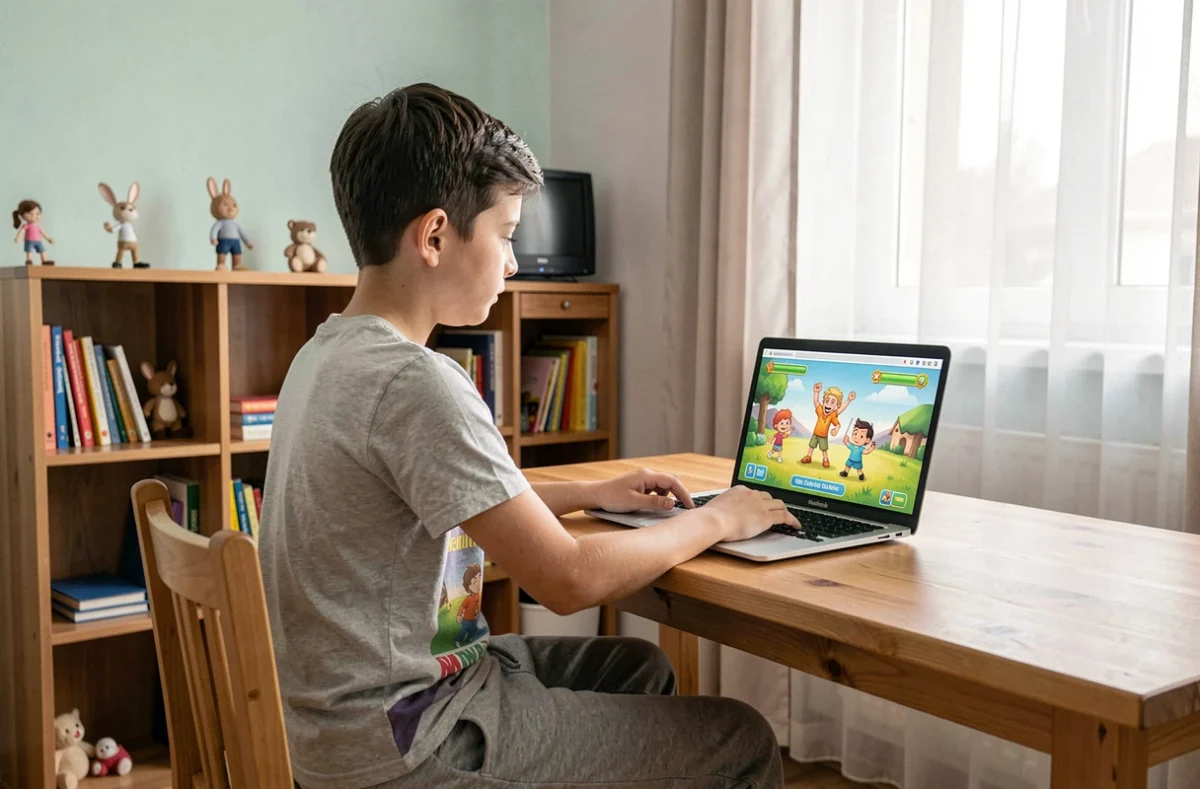
Before validating a game, check a few elements that make the difference between a safe environment and a gray area.
- Disablable or moderated chat: a game that allows free discussion between strangers exposes the child to contact with unidentified adults. Prefer games where chat is either absent, filtered by real-time moderation algorithms, or limited to a parent-approved friends list.
- Absence of hidden microtransactions: some free games push the child towards in-app purchases (skins, virtual currency, loot boxes). Ensure that the game offers a completely free mode or that purchases require parental approval.
- Visible PEGI classification: the PEGI system indicates the minimum recommended age and signals the presence of violence, coarse language, or uncontrolled online content. A game rated PEGI 3 or PEGI 7 without an “online” descriptor limits risks.
- Integrated parental control settings: limit playtime, activity reports, ability to block players. These functions should be accessible without particular technical skills.
Have you noticed that your child switches from one game to another without you knowing what they are doing? These criteria are precisely meant to help you regain control without prohibiting.
Educational Games or Fun Games: Should You Choose?
The distinction between educational games and entertainment games is blurring. Apps like Khan Academy Kids mix reading, math, and interactive mini-games. The child learns without feeling like they are working. Other titles, designed purely for entertainment (Minecraft in creative mode, for example), develop problem-solving skills and spatial creativity.
The trap would be to only offer games labeled “educational.” A child who associates the screen solely with learning will eventually circumvent the rules to access what truly entertains them. Alternating secure fun games and educational apps works better than a 100% educational regimen.
Parental Control on iOS and Android: The Settings That Matter
Mobile operating systems include parental control tools that are often underutilized. On iOS, the “Screen Time” feature allows you to restrict downloads by age group, block in-app purchases, and set time limits per app. On Android, Google Family Link offers equivalent functions: approval of installations, location tracking, remote locking.
These settings do not replace vigilance, but they establish a framework. A six-year-old does not need access to the Google Play Store without filters.
Setting Up a Child Profile in a Few Steps
- Create a separate child account (child Apple ID or supervised Google account) instead of sharing your own profile.
- Enable parental approval for every new download, even free ones.
- Disable messaging and social networks integrated into games until the child is old enough to understand them.
- Review the weekly activity report to identify the apps the child uses the most.

Secure Online Games: Three Reliable Options by Age Group
From 3 to 6 Years
Khan Academy Kids offers a closed environment, free of ads and in-app purchases. The content covers reading, shapes, colors, and basic math. The app is available on iOS and Android, completely free.
From 7 to 10 Years
Minecraft in creative mode (without public multiplayer mode) remains a rich exploration ground. The child builds, experiments, and plans. Disabling public multiplayer removes the risk of contact with strangers. The game is paid, with no microtransactions in its base version.
From 10 to 12 Years
Roblox may be suitable provided you activate the recently launched parental account restrictions. Filter experiences by age group and disable free chat. Without these settings, the platform remains exposed to the risks identified by the eSafety report.
No online game is safe by default. Safety depends less on the chosen title than on the account configuration, activated parental controls, and regular dialogue with the child about what they encounter while playing. A well-configured game on a supervised tablet offers a reliable entertainment framework, provided you check the settings with each update.